Data Mapper Node
Data Mapper Node
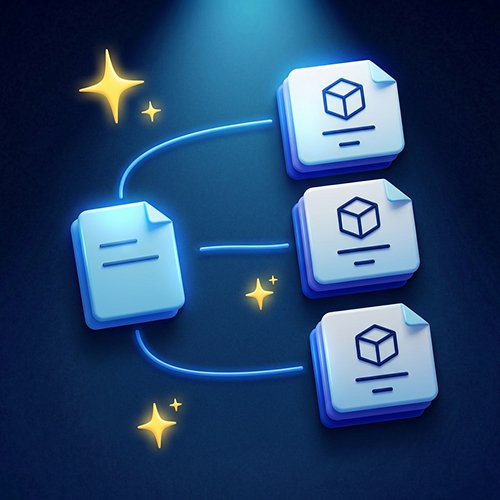
Distribute & save your raw imported data onto relevant board components.
Precise scope control. Decide what elements can be considered for mapping:
- All components on the board or only you connected to the mapper node;
- Filter by element type (component, system container, third-party system, user, decisions);
Mapper takes data from the Data Import or Model output that you have connected. Once you start the run, the mapper will review data chunks and consider which of the board elements are most relevant and stick the data chunk to it.
For example, there is a user feedback “Unable to log in with google”, it will be mapped to the “Login Service” component on the engineering board.
Data chunk can be rows in the table, or lines of text separated by symbols, for example:
***
Data chunk 1 content
***
Data chunk 2 content
***
If your data import is not structured like this, you can format it by passing through the Model Node first.
Mapping results are saved on matched components. If mapping results are not certain, the mapper will leave them for you to review before saving.